 Bajate Ya
GPS alarm for your stop
Never miss your stop again
Bajate Ya is a GPS alarm: it alerts you with vibration and sound before you arrive, so you can sleep, read or scroll on the bus, subway, train or plane without worrying.

Free · Android
How it works
Pick your destination
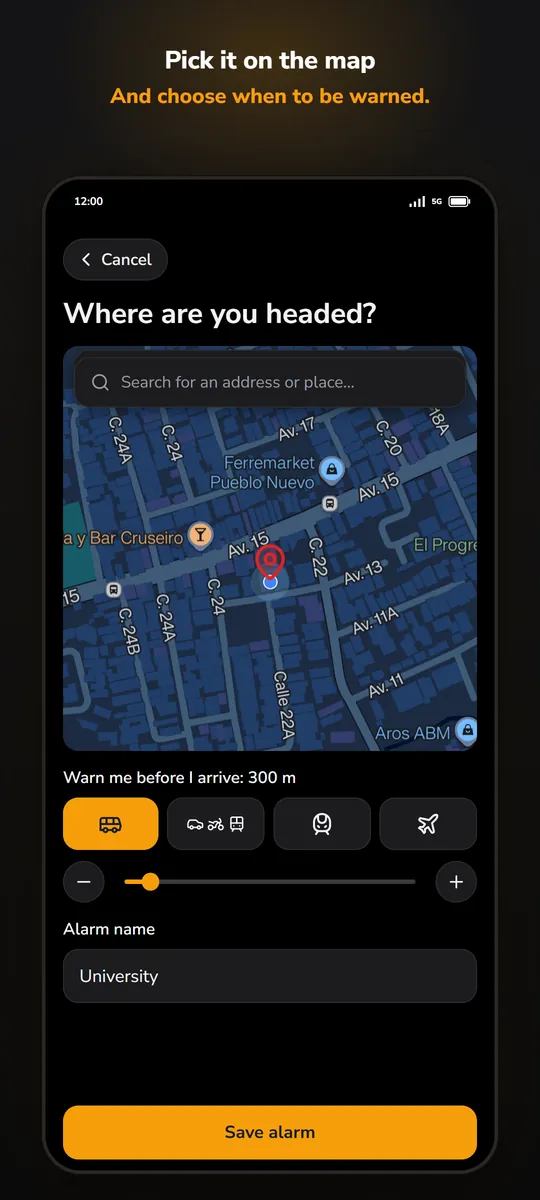
Search an address or tap the map to choose your stop.
Choose when to be alerted
Set the distance, with presets for bus, car, fast train and plane.
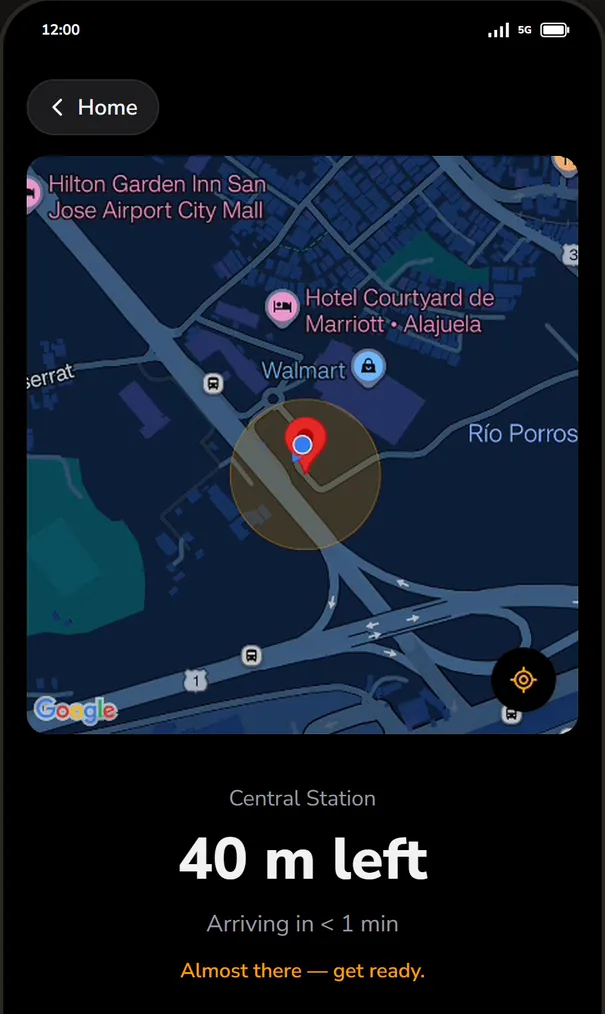
Put your phone away
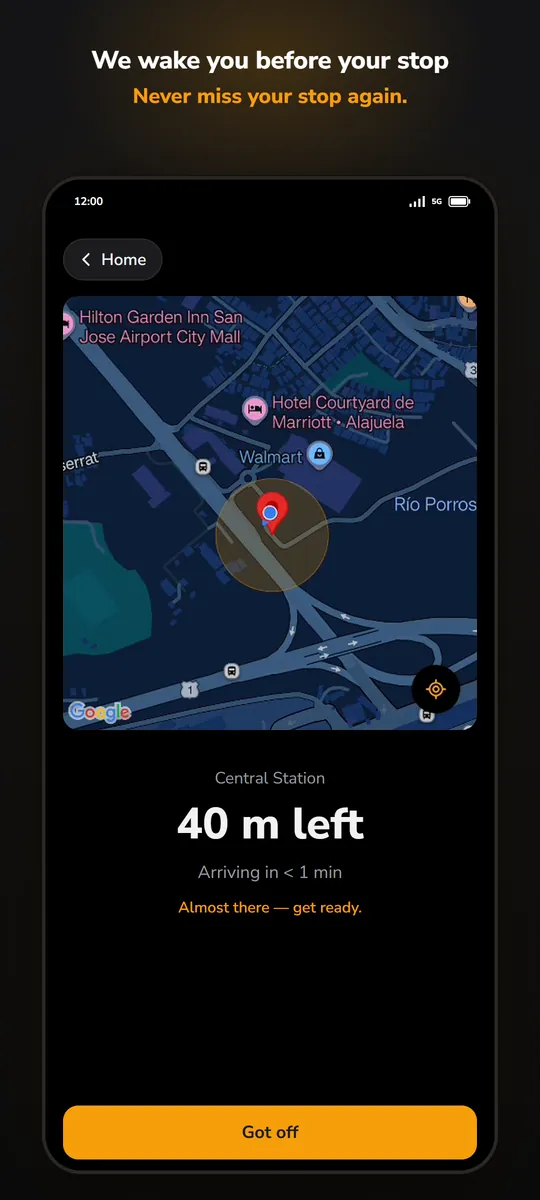
GPS follows your trip with the screen off. Before you arrive, it rings.
Take a look
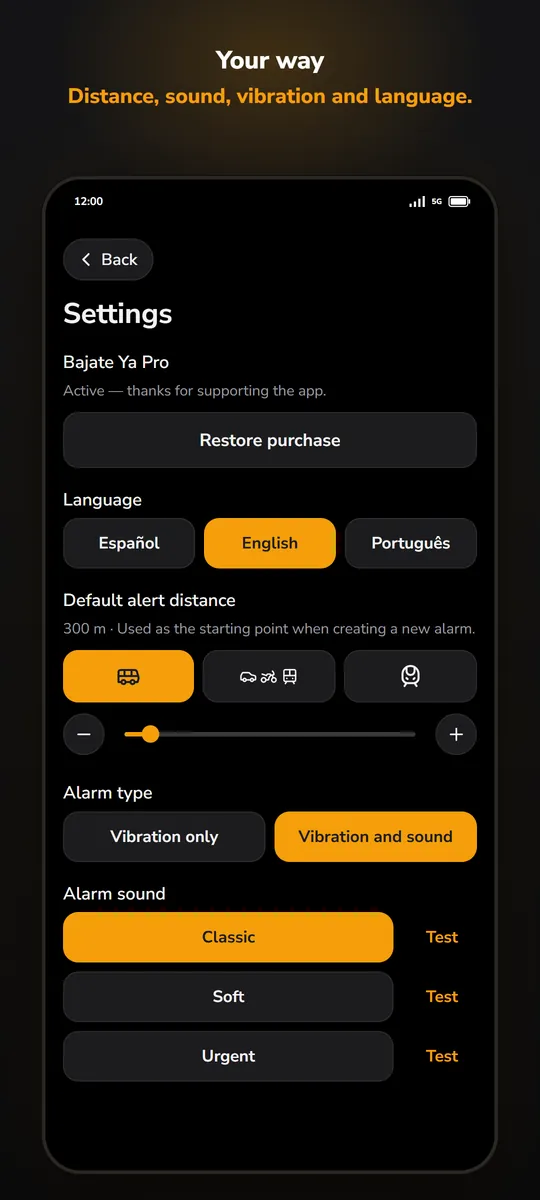
See it in action
Built to actually wake you up
Works anywhere
No timetables or transit data needed. It uses your phone's GPS, in any city or country, even without mobile data.
Rings like an alarm clock
Uses the alarm volume, turns on the screen and keeps ringing until you tap "Got off", even from the lock screen.
On flights too
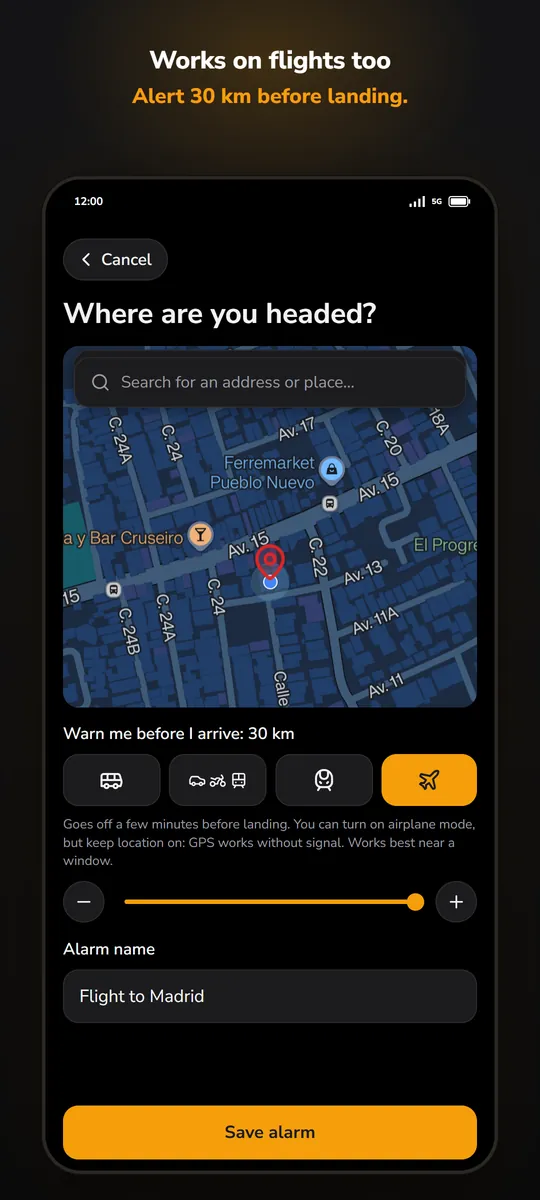
The plane preset alerts you 30 km from your destination. GPS works in airplane mode if you leave location on.
Home screen widget
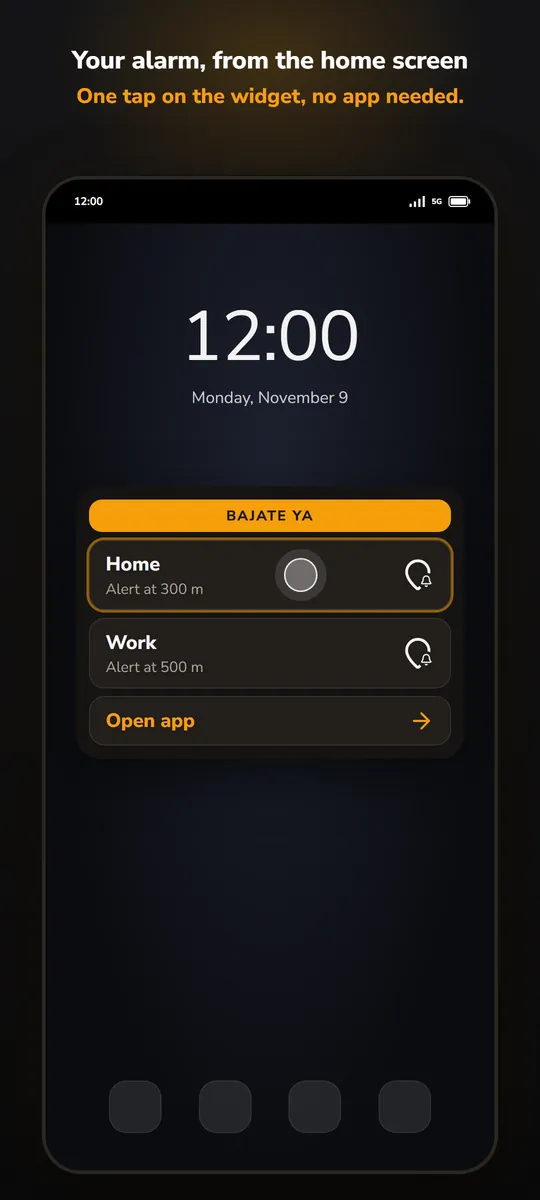
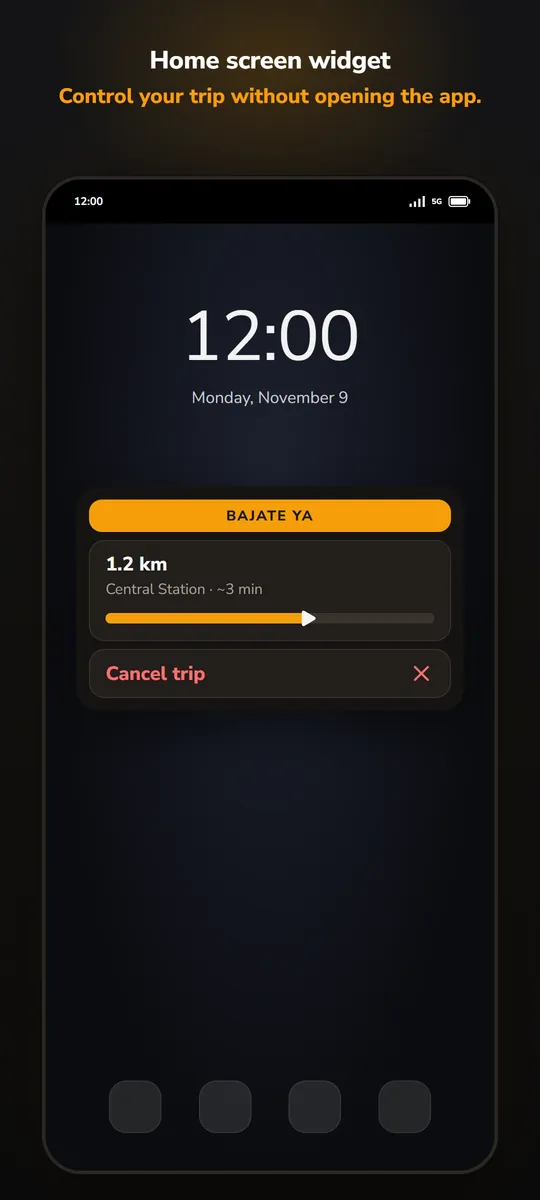
Start your favorite alarms and follow the trip without opening the app (Pro).
Free, with optional Pro
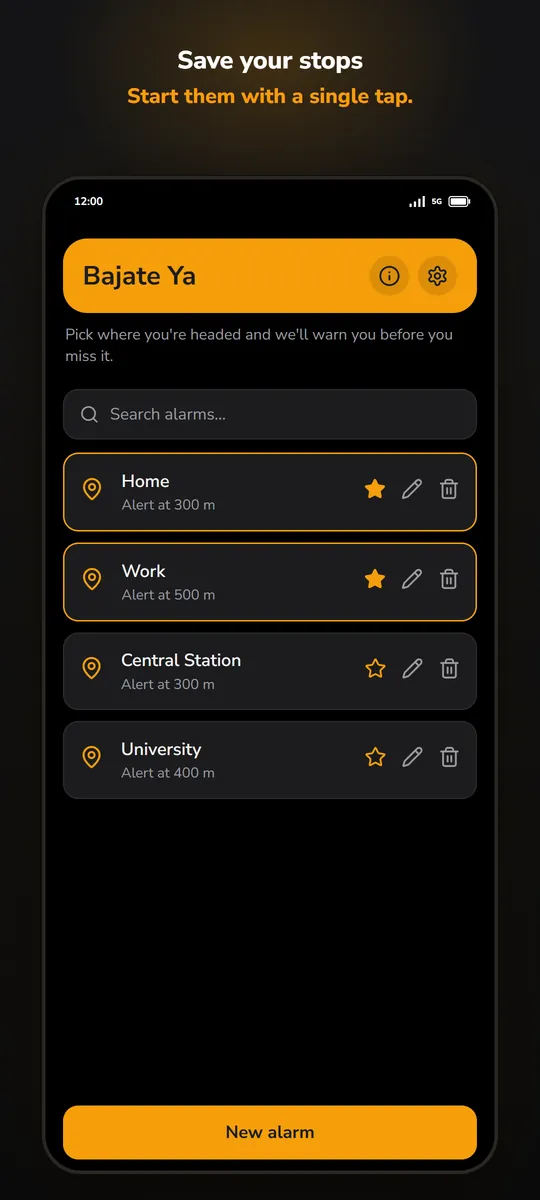
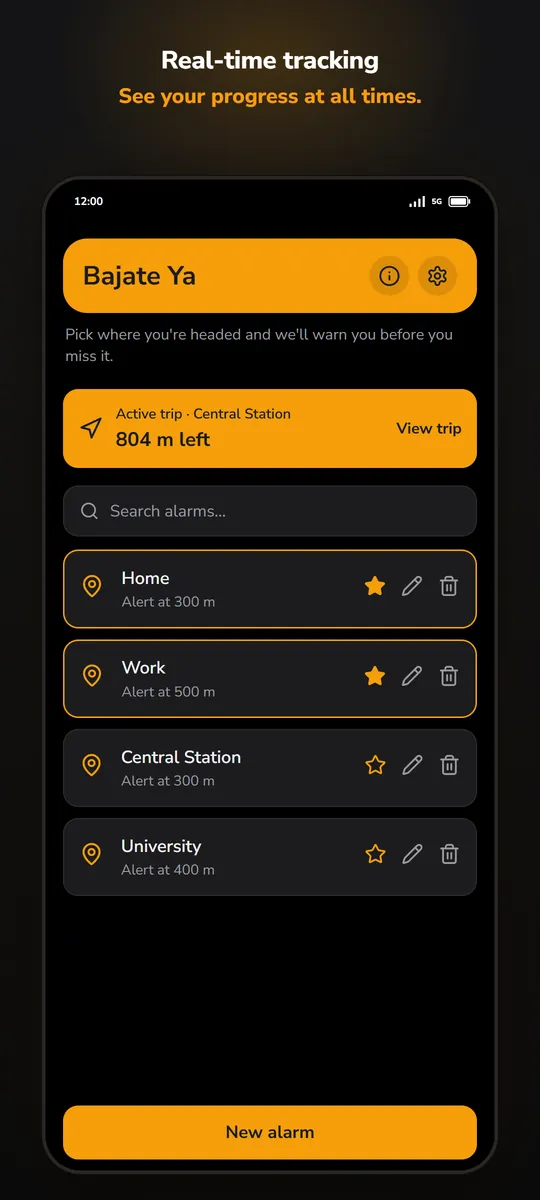
Free: 1 saved alarm and 15 alarms.
Pro, one-time payment, no subscription: unlimited saved alarms, unlimited alarms and the home screen widget.
FAQ
Does it drain the battery?
Not much. While you're far from your destination, location updates every 5 minutes, and more often as you get closer. Tracking stops by itself when you arrive or cancel the trip.
Does it work offline or in airplane mode?
Yes. GPS doesn't need data or signal. You only need internet to search the address and see the map when creating the alarm. On a plane, turn on airplane mode and leave location on.
What if my phone is on "Do not disturb"?
Settings has a shortcut to give Bajate Ya permission, so the alarm still rings.
My phone kills apps in the background
Some brands (Xiaomi, Samsung, Huawei, Oppo…) put apps to sleep to save battery. Settings has a shortcut to exclude Bajate Ya from battery optimization.
What happens to my location?
Nothing outside your phone: it's only used to calculate the distance to your destination and is never sent to a server. Details are in the privacy policy.
Is it on iPhone?
Android only, for now.
Relax on the ride